
This document is a user manual for a specific product, providing information on installation, connection, basic settings, disc playback, radio tuning, and other functions and operations of the product.
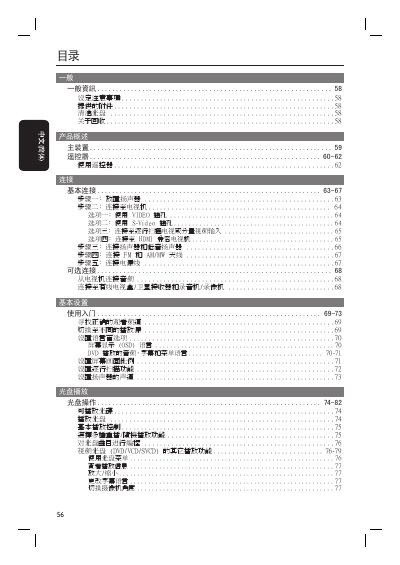
This manual provides step‑by‑step instructions for installing and using the Philips home theater system. It includes guidance on speaker placement, connecting to a TV via composite, S‑Video, component or HDMI, and configuring audio and video options.
Additional sections cover remote‑control functions, radio tuning, software updates, and a detailed troubleshooting guide, along with full technical specifications of the system and its components. This manual is written in Chinese.
| Signal‑to‑noise ratio | > 60 dB (A‑weighted) |
|---|---|
| Power consumption | 100 W |
| Dimensions (H×W×D) | 435 mm × 55 mm × 367 mm |
| Amplifier input sensitivity (AUX) | 500 mV |
| Radio FM tuning range | 87.5–108 MHz |
Use a microfiber cloth and wipe from the center of the disc outward in a straight line; do not use solvents or cleaning sprays.
Yes, insert the USB flash drive into the USB port on the main unit and select the USB source with the remote control.