
This document is an instruction manual for the GB D F I P NL RU E ESPAÑOL SBD8000, providing information on how to use the product and troubleshoot any issues.
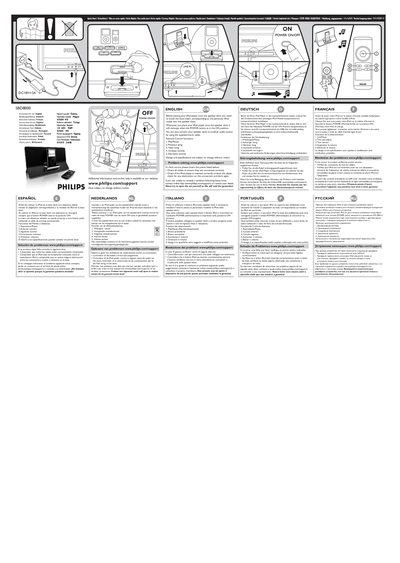
The guide explains how to install the dock insert that matches your iPod model before placing the player on the speaker dock. Once installed, the dock will charge the iPod whenever the POWER button is set to ON, and it can be connected to an external audio source using the supplied line‑in cable.
Remote control functions include Play/Pause, previous/next track, volume up and volume down. The document also provides troubleshooting steps such as checking cable connections and ensuring the iPod is properly seated without obstructions.
Before placing your iPod player onto the speaker dock you need to install the dock insert corresponding to the particular iPod model into the speaker dock.
The iPod will recharge when the POWER button is in the ON position.
You can connect the speaker dock to another audio source by using the supplied line‑in cable.
Check that all cables are correctly connected and that the iPod is properly inserted without any obstruction in the connectors.