
This document introduces the safety and troubleshooting information of Philips 190CW7 LCD monitor, including operation, maintenance and repair precautions.
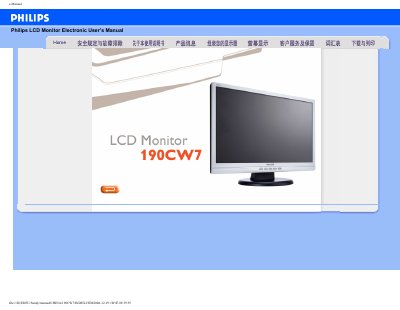
This manual covers safety precautions, proper handling, and maintenance for the Philips 190CW7 LCD monitor. It explains how to avoid direct sunlight, heat sources, and physical shock, and gives cleaning recommendations.
The guide also includes detailed FAQs on screen adjustment, resolution settings, refresh rate, USB compatibility, and how to install the optional VESA mounting hardware. Step‑by‑step instructions help users resolve common video mode issues and adjust color settings. This manual is written in Chinese.
| Operating Temperature | 0‑40 °C |
|---|---|
| Operating Humidity | 20‑80 % RH |
| Recommended Resolution | 1440 × 900 |
| Refresh Rate | 60 Hz |
Set the PC display mode to 1440 × 900 at 60 Hz, then restart the computer and reconnect the Philips monitor.
Refresh rate is not critical for LCDs; the monitor displays a stable image at 60 Hz.
Use a soft, slightly damp cloth for routine cleaning; for thorough cleaning, use isopropyl alcohol, avoiding organic solvents like ethanol or acetone.
Yes, the Philips monitor has four standard VESA mounting holes compatible with most VESA arms and accessories.