
200AW8 LCD Monitor Electronic User's Manual, contains safety measures and repairs, installation location, FAQs, troubleshooting, related regulations, other related information
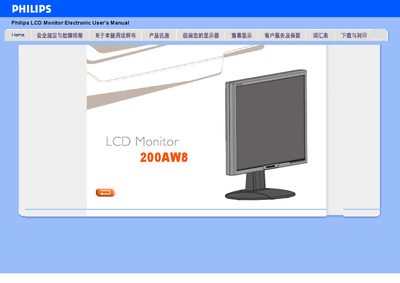
This manual covers safety precautions, handling, and troubleshooting for the Philips 200AW8 LCD monitor. It explains how to avoid damage, clean the screen, and what to do if the display shows errors.
Installation instructions, color and contrast adjustments, VESA mounting, and USB connectivity are described, along with recommended operating conditions and basic specifications such as resolution and refresh rate. This manual is written in Chinese.
| Resolution | 1680x1050 |
|---|---|
| Relative Humidity | 20 % – 80 % RH |
| VESA Mounting Holes | Four standard VESA holes |
Yes, the monitor has four standard VESA mounting holes on the back panel.
The monitor is set to a native resolution of 1680 × 1050 pixels.