
This document mainly introduces the features and characteristics of a product of a certain brand and model.
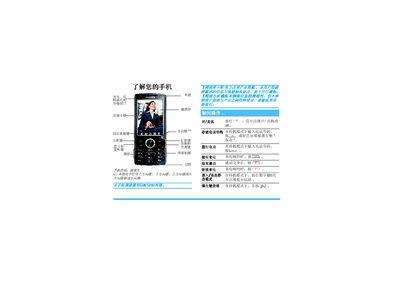
This manual explains the basic functions of the Philips P392_GB mobile phone, including how to make and receive calls, use the keypad, navigate menus, and operate the camera and multimedia features. It also describes the various input methods, such as the on‑screen keyboard, handwriting input, and voice input.
Additional sections cover SIM card installation, battery insertion and charging, use of the charging cable and charger, and detailed warranty and service information, including how to obtain support from authorized Philips service centers. This manual is written in Chinese.
Enter the phone number while the phone is in standby mode and press the call key.
Insert the charger plug into the phone’s charging port and connect the other end to an AC outlet; the battery icon will show the charging status.