
This manual mainly introduces how to use Panasonic KX-NS1000 IP multi-function telephone.
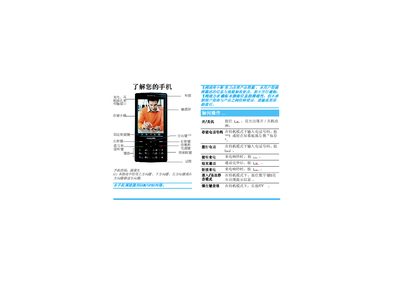
The manual explains how to power the phone on and off, make and receive calls, use the touch screen and shortcut keys, and manage contacts and messages. It also covers entering different modes such as camera, music player, and text input methods.
Additional sections describe how to insert the SIM and battery, charge the device, use file management, adjust network and security settings, calibrate the touchscreen, perform a factory reset, and understand warranty and service information. This manual is written in Chinese.
Press and hold the C key until the power animation appears.
Insert the SIM card with the metal side down into the slot as shown, ensuring the metal contacts align.