
This document is the electronic user manual for Philips 150S8 LCD monitor, mainly introduces the safety measures, common problems, troubleshooting and other related information of the monitor.
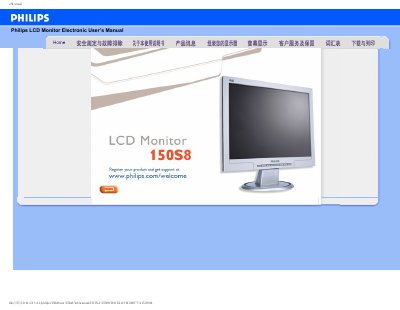
This manual provides all the information needed to safely install, set up and use the Philips 150S8 15‑inch LCD monitor. It includes safety precautions, maintenance guidelines, and detailed troubleshooting steps.
Key sections cover FAQs, screen adjustment, USB compatibility, VESA mounting options, technical specifications, and instructions for downloading drivers and the FPadjust utility. This manual is written in Chinese.
| Screen size | 15‑inch diagonal |
|---|---|
| Resolution | 1024 × 768 pixels |
| Pixel pitch | 0.297 × 0.297 mm |
| Panel type | TFT LCD |
| Maximum vertical refresh rate | 60 Hz |
Set the PC to the recommended video mode of 1024 × 768 @ 60 Hz, then restart the computer and reconnect the monitor.
Make sure the AC power cable is securely connected and press any key on the keyboard or mouse to wake the PC.
Yes, it has four standard VESA mounting holes on the back that allow attachment to most VESA‑compatible arms or brackets.