
This manual describes how to integrate the MC909X mobile computer into a system.
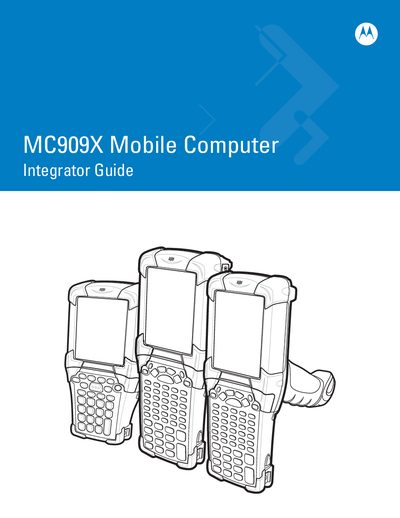
This guide explains how to get started with the MC909X mobile computer, covering unpacking, battery installation, charging, boot procedures, and basic configuration. It also details accessory options such as keypads, cradles, and multimedia cards.
Later sections describe network setup, DHCP server configuration, cradle management, and advanced settings like display and keypad backlight adjustments. The document serves as a reference for integrating the device into mobile deployments and troubleshooting common issues.
Select the Warm Boot option as described in the guide’s Warm Boot section.
Use the Settings menu to adjust the display backlight according to the Changing the Display Backlight Settings section.
Follow the DHCP Server Configuration steps in the Mobile Computer Configuration chapter.