
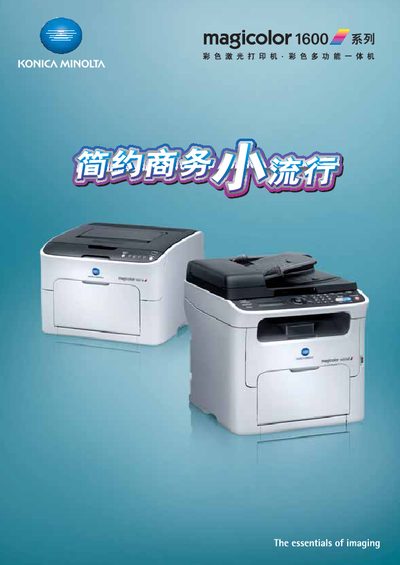
The magicolor 1600W and 1650EN are compact, stylish color laser printers designed for small‑office environments. They offer fast printing speeds, high‑resolution output, and a range of functions such as copying, scanning, and faxing.
This manual covers installation, network and USB connectivity, printing options (watermark, economy mode, multi‑page layouts), consumable replacement, optional accessories, technical specifications, and troubleshooting steps for common issues like toner depletion and paper jams. This manual is written in Chinese.
| Color print speed | 5 pages/min |
|---|---|
| Black‑white print speed | 20 pages/min |
| Maximum print resolution | 1200 dpi × 600 dpi |
| Interfaces | USB 2.0 high‑speed, Ethernet |
| Color power consumption | 410 W |
| Black‑white power consumption | ≤560 W |
| Noise level (color mode) | ≤49 dB |
| Maximum monthly duty cycle | 35 000 pages |
| Memory | 128 MB |
Yes, you can continue printing black‑white documents as long as the black toner remains, even if the color toner is depleted.
Use PageScope Web Connection to register up to 20 common addresses and up to 220 quick‑dial numbers; groups of up to 20 can also be created.
The pre‑heat time is less than 30 seconds.
When the printer prompts a toner change, press the panel button; the empty cartridge automatically rotates to the replace position, open the front cover and replace it.