
The document contains information about the features and characteristics of the product, but the specific content cannot be parsed.
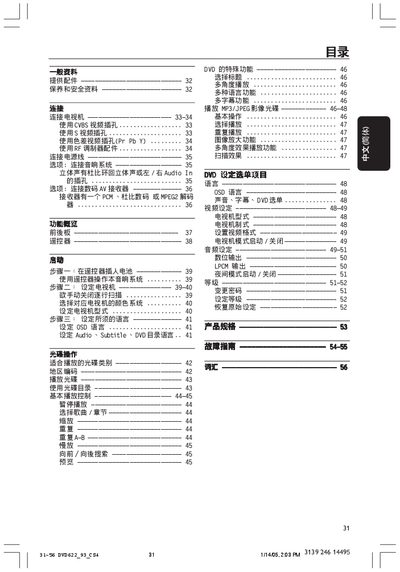
The Philips DVD622 user manual offers essential safety information and proper handling guidelines to ensure reliable operation and prevent damage. It explains how to place the unit on a stable surface, keep it away from moisture, and clean the optical components safely.
The guide details the front and rear panel functions, remote‑control operation, audio/video connections, OSD settings for audio, subtitles, and region, as well as troubleshooting tips for common issues. This manual is written in Chinese.
| Audio Output | Stereo L/R |
|---|---|
| Digital Audio Output | LPCM |
| Video Output | CVBS, S‑Video, Component, SCART |
Use the CVBS video input connector on the rear panel as shown in the connection diagram.
Select the desired audio mode (e.g., Dolby, DTS, LPCM) through the OSD Audio menu.
Use the OSD Region/Aspect Ratio settings to select the appropriate region code and choose 4:3 or 16:9 display mode.