
This is a user manual for MFC-J615W printer
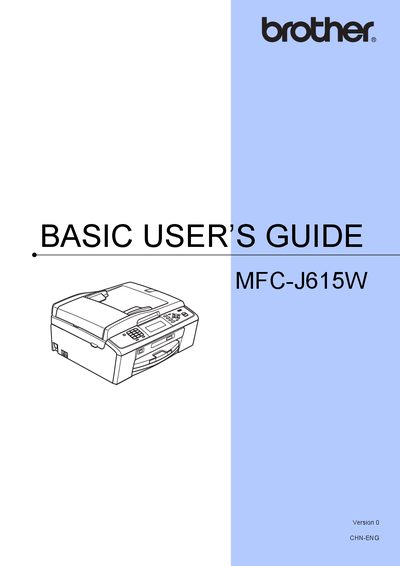
This Basic User's Guide covers all essential functions of the Brother MFC-J615W multifunction printer, including fax, copy, scan, photo capture, and printing. It explains how to load paper and media, install drivers, configure network settings, and use the various operation modes.
The manual also includes routine maintenance procedures such as cleaning the print head, replacing ink cartridges, and troubleshooting common errors. Environmental disposal instructions and contact information for local Brother service stations are provided at the end of the guide.
Load paper and other print media as described in the 'Loading paper and other print media' section.
Refer to the 'Replacing the ink cartridges' part of the maintenance guide for cartridge replacement.