
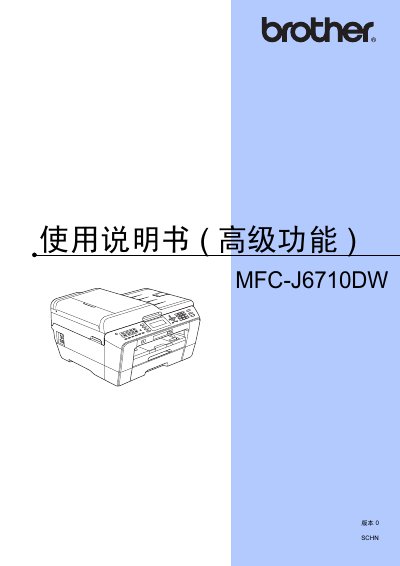
This guide covers the quick installation steps, basic printing, copying, scanning, and fax functions, as well as how to replace consumables and perform routine maintenance. It also explains the advanced features such as network settings, PictBridge photo printing, and detailed troubleshooting tips.
Additional sections describe LCD display settings, memory and storage management, sleep mode operation, and how to use the printer’s various control keys for customized functions. This manual is written in Japanese.
Follow the Quick Installation Guide provided in the manual.
The basic functions section explains the consumable replacement method.
Use the Sleep Mode settings described in the manual to set the timer and activate sleep mode.