
This document describes the features and characteristics of the AF CCD LCD VP-X105(L)/X110(L) camera, including its CCD sensor, LCD display, EIS image stabilization, USB interface, etc.
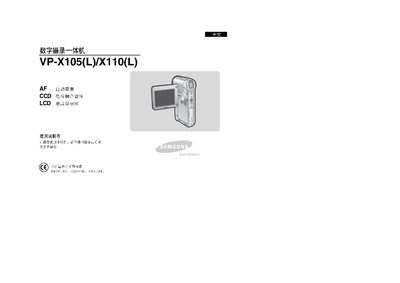
This manual covers safety precautions, device overview, and detailed instructions for using the built‑in LCD, OSD display modes, and battery management. It also explains how to connect optional external camera modules and how to manage files via USB and internal storage.
Additional sections provide guidance on adjusting display settings, using the flash lamp safely, performing firmware updates, and troubleshooting common issues. Technical specifications are listed at the end of the document. This manual is written in Chinese.
Connect the external camera module (compatible only with VP‑X105(L)/X110(L)) to the device as described in the manual.
Select the storage type in the menu and choose the format option to format the storage.