
This is the instruction manual for INTERIOR AUDIO S-2000 ELECTR 2, which introduces the product's usage methods and precautions.
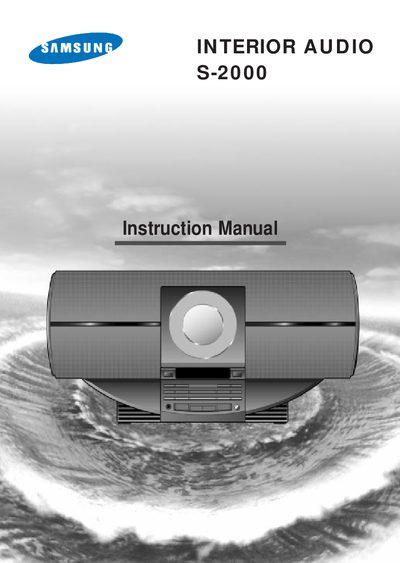
This manual covers safety warnings for the Class 1 laser CD player, wiring instructions for the mains plug, and detailed steps for connecting AM and FM aerials. It also explains how to set the clock, use the front‑panel controls, and operate CD playback functions.
Technical specifications are listed, including frequency response, output power, and physical dimensions, along with a brief troubleshooting and maintenance section.
| Output power | 3.2 W |
|---|
Press the On/Standby button, then press Timer/Clock twice, and use the Prog./Set button to adjust hours and minutes.
Connect a 75 Ω coaxial cable from the FM aerial to the FM antenna terminal marked FM on the rear panel.
Load the disc, press the Function button to select CD, then press Play/Pause to start playback.