
This document is a user manual that introduces the features and characteristics of the Samsung VP-X205L/X210L/X220L sports camcorder, including operating instructions for functions such as recording and taking photos, as well as precautions, accessories, and LCD display.
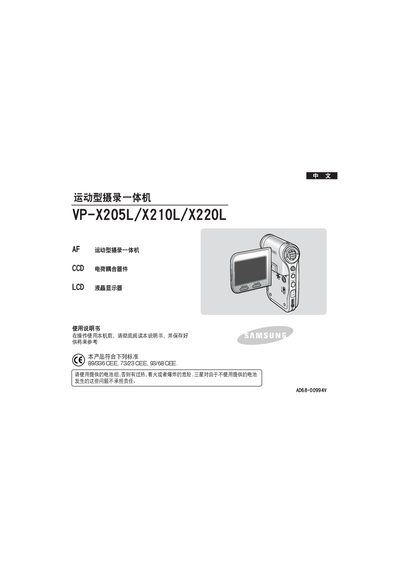
The VP‑X205L / VP‑X210L / VP‑X220L is a sport‑type camcorder that combines video recording, playback, MP3, and voice functions in a single handheld device. The manual explains how to operate the LCD screen, use the various buttons and menus, and connect optional accessories such as external camera modules.
It covers safety precautions, battery handling, menu configuration (recording quality, focus, EIS, white balance, etc.), file management (copy, delete, lock), media playback, USB connectivity for transferring files to a computer, and maintenance procedures. The document also lists compliance with European safety standards and RoHS directives. This manual is written in Chinese.
| European safety standards | 89/336 CEE, 73/23 CEE, 93/68 CEE |
|---|---|
| RoHS compliance | Meets RoHS; does not contain 6 restricted substances |
Only the supplied battery pack should be used; using other batteries can cause overheating, fire, or explosion.
Connect the device to a PC via the USB port and use the USB mode to transfer files.
Contact the nearest Samsung authorized service center; do not attempt to disassemble the device yourself.