
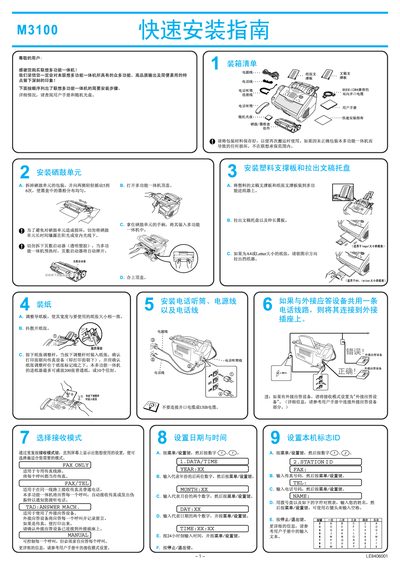
This manual guides users through the quick installation of the Lenovo M3100 multi‑function all‑in‑one laser printer. It covers unpacking, loading paper and toner, connecting the device via parallel or USB cable, and configuring basic settings such as fax answer mode.
The guide also details driver installation for various Windows versions, including Windows 95/98/ME/2000/XP, and provides troubleshooting tips for common issues during setup. Follow the step‑by‑step instructions to get the printer ready for printing, scanning, and faxing. This manual is written in Chinese.
| Supported paper sizes | A4, Letter |
|---|
Insert the supplied CD, run setup.exe, follow the on‑screen prompts, connect the printer with the chosen cable, and restart the computer if prompted.