
This manual introduces the front and rear panel interfaces, switches and indicators of the Tianjiao S computer, and introduces the computer's startup process, Windows XP system installation, Happy Home installation, mouse, wired keyboard, wireless keyboard, Magic disk, remote control operation methods.
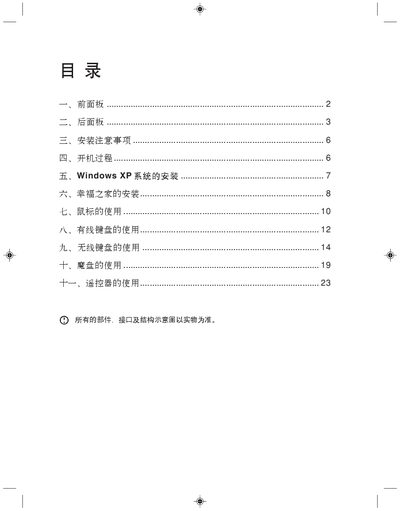
This manual covers the hardware layout, including front and rear panel connectors, power input, and supported peripherals. It guides users through installation precautions, power‑on sequence, and operating system setup for Windows XP.
Detailed sections explain the use of the mouse, wired and wireless keyboards, the magic disk, and the remote control, as well as special functions such as the "Happy Home" software and wireless device activation. This manual is written in Chinese.
| Power input | 220 V |
|---|---|
| Wireless keyboard battery | 2 AA cells |
| USB interface version | USB 1.0/1.1 |
| Supported operating systems | Windows XP, Windows 98SE |
Press the power switch on the front panel; the system will start and load Windows XP.
First press the wireless switch on the front panel, then press the wireless switch on the keyboard (or mouse) to establish the connection.