
This user manual covers the use of the Lenovo Laser Multifunction Printer M7000, including custom settings, copying, printing, scanning and more
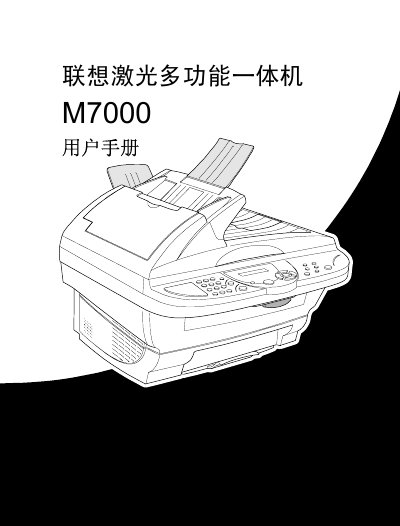
This user manual guides you through preparing, installing, and using the Lenovo M7000 laser multifunction device. It covers basic setup, control‑panel navigation, custom settings, and how to operate copying, printing, and scanning functions.
The later sections detail driver installation, troubleshooting, safety information, and full technical specifications such as paper handling, print speed, power consumption, and laser safety data. This manual is written in Chinese.
| Document input width (ADF) | 148 mm‑216 mm |
|---|---|
| Document input length (ADF) | 148 mm‑356 mm |
| Multi‑function feeder capacity | 200 sheets (75 g/m²) |
| Print speed | up to 10 ppm (A4 from MF feeder) |
| Print resolution | 600 dpi |
| Power consumption (running) | 260 W |
| Maximum power consumption | 940 W |
| Operating temperature | 20‑30 °C (68‑86 °F) |
| Laser diode wavelength | 760‑810 nm |
| Laser output power | max 5 mW |
| Laser class | Class 3B |
The printer can print up to 10 pages per minute when using A4 paper from the multifunction feeder.
It uses the LT0310 toner cartridge (also listed as LD0310 for the drum unit).
The device should be used in an environment of 20 °C to 30 °C (68 °F‑86 °F).