
This document is the user manual for a computer host of a certain brand. It mainly introduces the front panel, rear panel, speakers, display and speaker connection diagram of the host, the boot process, installation precautions, Windows XP system installation, Happy Home installation, mouse usage, keyboard usage, magic disk usage, and remote control usage.
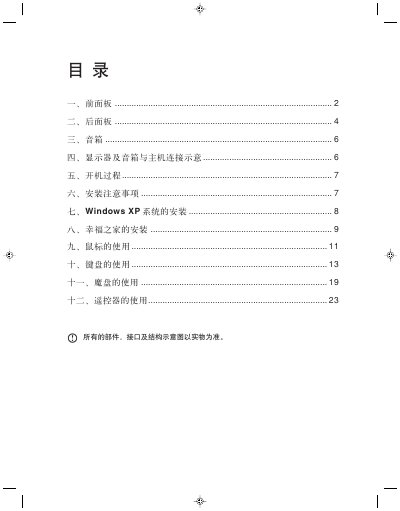
The manual covers all aspects of using the Xingfu Zhijia multimedia computer, including front‑panel controls, rear‑panel connectors, speaker and display connections, and the power‑on sequence. Detailed installation notes guide you through hardware setup and the installation of Windows XP and the Xingfu Zhijia software.
Additional sections explain how to use peripheral devices such as the mouse, keyboard, magic USB disk, and remote control, and provide safety precautions and troubleshooting tips for optimal performance. This manual is written in Chinese.
| Interface | USB 1.0/1.1 |
|---|---|
| Power source | USB bus power, no external supply needed |
| Supported operating systems | Windows 98SE, Windows XP and other common systems |
| Capacity | 64 MB or 32 MB |
| LED indicator | LED on = ready, flashing = data transfer |
Use the system tray icon to select “Safe Removal”, then confirm the dialog before unplugging the disk.
Boot from the installation CD, follow the on‑screen prompts to format the C: drive, select the partition, and complete the setup as described in the Windows XP installation section.
Plug the speaker or headphone plug into the “音箱/耳机接口”; to switch to headphones, unplug the speaker connector and insert the headphone plug.