
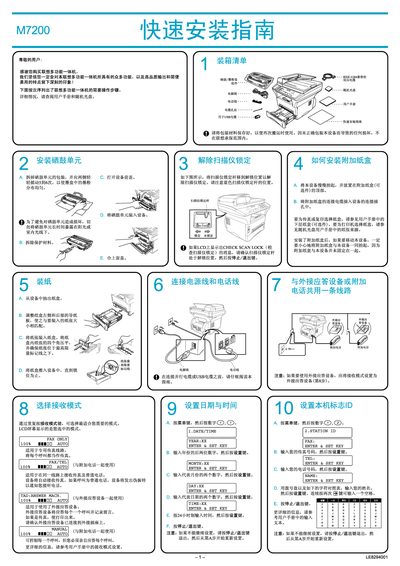
This service manual provides step‑by‑step instructions for connecting the Lenovo M7200 laser multi‑function device to a computer, installing the required drivers, and configuring basic printing, scanning and fax functions. It includes details for both parallel (IEEE 1284) and USB interfaces and lists the bundled software that comes on the supplied CD.
The guide also explains how to perform a test print, adjust paper trays, and set up the device for Windows operating systems ranging from Windows 95/98 up to Windows XP. Troubleshooting tips are included for common installation issues. This manual is written in Chinese.
| Parallel cable type | IEEE 1284 bidirectional |
|---|---|
| Maximum USB cable length | 1.8 m (6 ft) |