
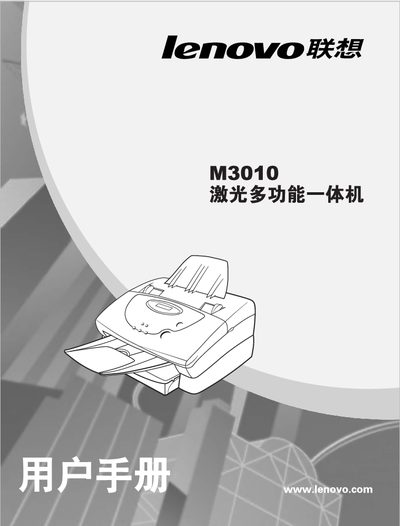
This document is the user manual for the Lenovo M3010 multifunctional all-in-one machine, which describes the installation and operation methods and precautions for this multifunctional all-in-one machine.
This manual covers the installation requirements for the M3010, including recommended placement on a flat surface with normal room temperature (10‑32 °C) and humidity (20‑80 %). It also lists safety precautions such as avoiding liquids, modifications, and placement near heat sources or strong light.
The guide details component names, control panel functions, printing procedures for Windows and USB interfaces, troubleshooting steps, and technical specifications such as print speed, resolution, memory, and paper capacity. This manual is written in Chinese.
| Print speed | 10 ppm |
|---|---|
| Resolution | 600 x 600 dpi |
| Paper capacity | 125 sheets |
| Interface | IEEE-1284, USB |
The printer prints at 10 pages per minute with a resolution of 600 × 600 dpi, has 2 MB of memory, and a paper capacity of 125 sheets.