
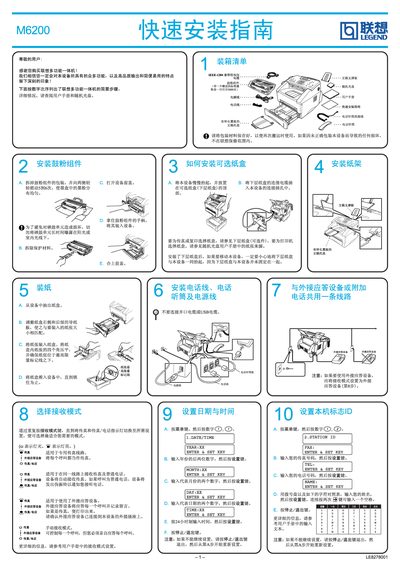
This guide walks you through the initial setup of the Lenovo M6200 laser multi‑function all‑in‑one device. It includes unpacking, installing the drum/toner unit, loading paper trays, and connecting telephone or fax accessories.
The document also details how to connect the machine to a computer using either an IEEE‑1284 parallel cable or a USB cable, install the bundled software suite, configure receive mode, date/time, and device ID, and perform a test print to verify proper operation. This manual is written in Chinese.
| Included Cable | IEEE 1284 parallel cable |
|---|---|
| USB Cable | Not provided |