
This document is the user manual of Lenovo Wanquan T630 server, which introduces the use of the server, precautions and safety requirements.
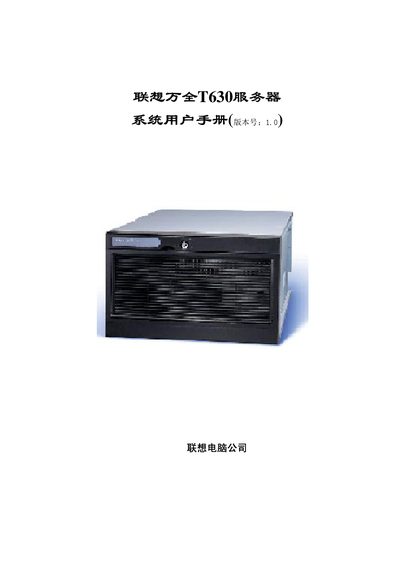
This manual provides detailed guidance for installing, configuring, and maintaining the Lenovo ThinkServer T630 server. It includes safety precautions, power handling, ESD protection, and recommended operating environments.
The document also describes the server's hardware architecture, including CPU, memory, storage, networking, and power subsystems, as well as troubleshooting procedures for common issues. This manual is written in Chinese.
| CPU slots | Four 603‑pin CPU sockets, supports up to 4 processors |
|---|---|
| Supported CPU speed | 1.4 GHz to 2.0 GHz |
| Cache | L2 256 KB, L3 512 KB or 1 MB |
| Memory type | PC‑200/266 ECC Registered DDR SDRAM |
| DIMM slots | 12 DIMM slots (3 banks), up to 246 GB total |
| PCI slots | One 32‑bit 33 MHz PCI slot |
| SCSI controller | Adaptec Ultra160 (AIC‑7899W) |
| Network interfaces | Intel 82550 and 82544 chips, 10/100/1000 Mbps auto‑negotiation |
The server can hold up to ten hot‑plug hard drives using two 5‑inch hot‑plug modules, each supporting five drives.