
Lenovo laser printer user manual, introduces the use of the printer, precautions, safety protection measures and other
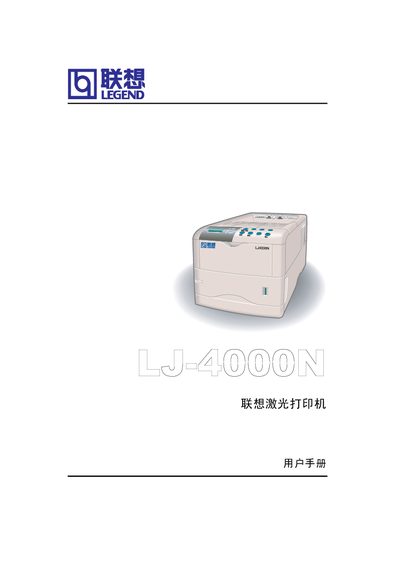
This manual covers safety precautions, unpacking, installation steps, and driver setup for the Lenovo LJ4000N laser printer. It explains how to connect power, load paper, install the toner and waste‑toner cartridges, and run a test page.
The guide also details everyday operation, maintenance tasks, troubleshooting tips, and technical specifications such as print speed, resolution, memory, interfaces, power requirements, dimensions, and environmental conditions. This manual is written in Chinese.
| Print speed | 18 pages/minute (A4) |
|---|---|
| Resolution | 1200 dpi (fast), 600 dpi, 300 dpi |
| Memory | 16 MB, expandable to 144 MB |
| Interfaces | Parallel IEEE1284, USB 1.1, Ethernet 10/100 M |
| Power supply (US/Canada) | 120 V, 60 Hz, max 7.2 A |
| Dimensions | 345 mm W × 300 mm H × 390 mm D |
| Weight | 13 kg |
The printer requires 120 V, 60 Hz, up to 7.2 A in the US/Canada, or 220‑240 V, 50/60 Hz, up to 3.6 A in Europe.