
This manual provides an overview of the basic operations and functions of the EIZO Color LCD Display, including display mode selection, color adjustment, power-off timer/power-saving settings, screen size selection, power indicator/EIZO Logo display settings, button lock, settings adjustment menu display, settings direction, view information/language setting, operation sound settings, select input signal and restore default settings.
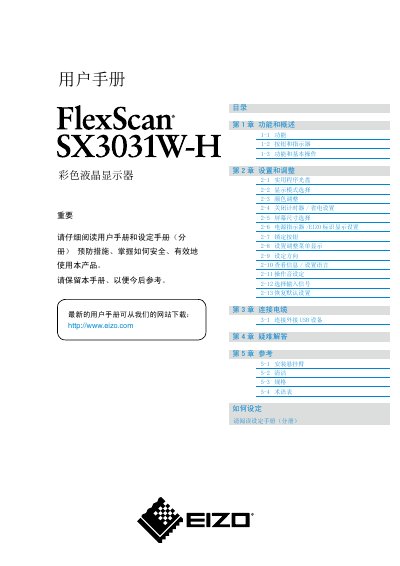
This manual covers the basic functions, menu navigation, and adjustment options for the EIZO SX3031W-H color LCD monitor. It includes detailed instructions for selecting display modes, adjusting color, setting power‑saving timers, and configuring language and on‑screen menus.
Additional sections address cable connections, troubleshooting, cleaning procedures, specifications, and a glossary of terms. Safety warnings and recommended usage practices are also provided to help maintain image quality and prolong the display’s lifespan. This manual is written in Chinese.
| Screen size | 29.8 inches |
|---|---|
| Resolution | 2560 x 1600 (WQXGA) |
| Horizontal scan frequency | 31 – 100 kHz |
| Effective pixel percentage | 99.9994% or higher |
| HDCP support | Yes |
| Input connectors | Dual DVI‑D (digital) connectors |
Select the "恢复默认设置" (Restore Default Settings) option in the adjustment menu.
Do not press hard on the screen, avoid using pencils or sharp objects, and do not wipe with paper towels to prevent scratches.
Contact your dealer, as the backlight has a limited lifespan and may need replacement.