
EIZO FlexScan M1997 color LCD user manual

This document is about the user manual for a product, including information on the features, package contents, controls, and connections.
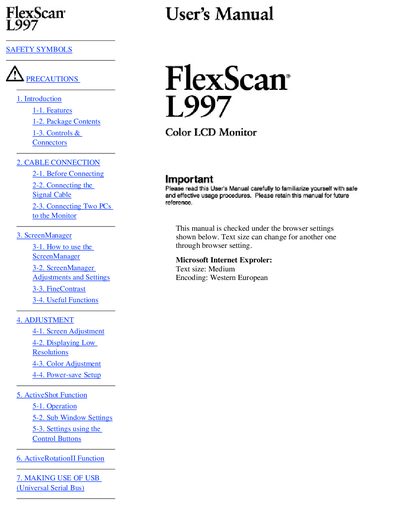

EIZO FlexScan M1997 color LCD user manual - cover page
Brand
EIZO
Category
Monitor
Document type
User Manual
Language
English
Pages
60
File format
PDF
File size
876 KB
Published
16 March, 2012
Updated
28 September, 2023
Model
L997
MD5 checksum
09683E00AE08EBA2109E609F54F9D41E

About this manual

This User's Manual is for the EIZO FlexScan L997 Color LCD Monitor. It covers safety symbols and precautions, package contents, controls and connectors, and connecting signal cables or two PCs to the monitor.

It also explains the ScreenManager, FineContrast, screen and color adjustments, power-save setup, ActiveShot and ActiveRotationII functions, USB use, attaching an arm, troubleshooting, cleaning, and specifications.

What's inside

  • Introduction
  • Cable Connection
  • ScreenManager
  • Adjustment
  • ActiveShot Function
  • ActiveRotationII Function
  • Making Use of USB
  • Attaching an Arm
  • Troubleshooting
  • Cleaning

Frequently asked questions

What should I do if the monitor emits smoke, smells like something is burning, or makes strange noises?

Disconnect all power connections immediately and contact your dealer for advice.

What does the LCD panel backlight contain?

The backlight of the LCD panel contains mercury.

What is recommended to maintain stable luminosity?

Use of a monitor in lower brightness is recommended.

Download PDF (876 KB)

More EIZO Manuals


View all EIZO manuals →