
This document is a user manual and setting manual, which introduces the functions, settings and adjustments, connection cables, etc. of the color LCD monitor, and provides guidance for use and maintenance.
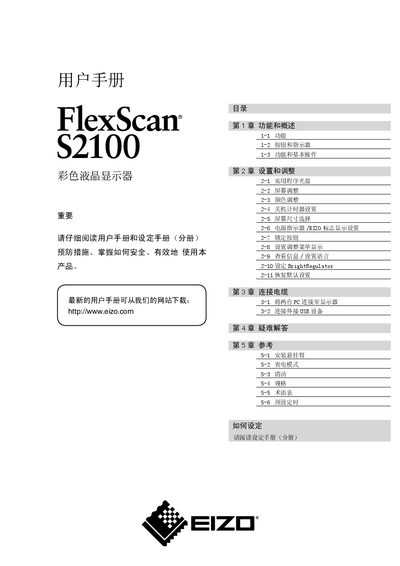
This manual explains the functions, button layout, and basic operation of the EIZO S2100 color LCD monitor. It covers how to adjust screen size, brightness, color settings, and how to use the BrightRegulator and FineContrast modes.
It also includes instructions for connecting two PCs, using the USB port, changing the display language, and troubleshooting common issues such as image retention and back‑light aging. Safety warnings and environmental disposal information are provided at the end of the document. This manual is written in Chinese.
| Resolution | 1600 x 1200 |
|---|---|
| Input connectors | DVI‑I and D‑Sub mini 15‑pin |
| Effective pixel percentage | 99.9994% or higher |
| Horizontal scan frequency (analog) | 24 – 80 kHz |
| Horizontal scan frequency (digital) | 31 – 76 kHz |
| Vertical scan frequency (analog) | 49 – 76 Hz |
The effective pixel percentage is 99.9994% or higher.
Enable the BrightRegulator function in the Settings menu to let the monitor adjust brightness based on ambient light.