
This document introduces the functions, overview, settings and adjustments, cable connections, and troubleshooting of the displays produced by EIZO NANAO CORPORATION, and provides reference information.
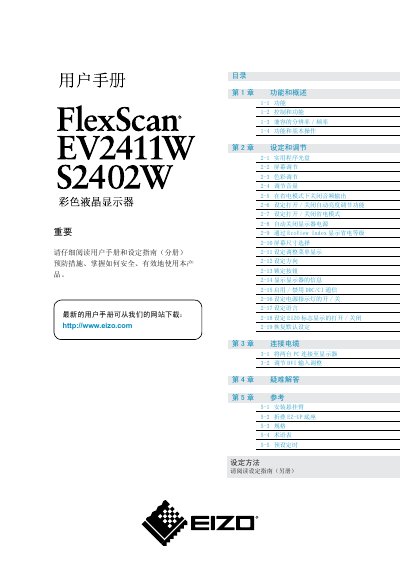
This manual provides instructions for installing, connecting, and operating the EIZO FlexScan EV2411W and S2402W color LCD monitors. It includes details on basic functions, screen adjustments, power‑saving features, and troubleshooting.
Safety precautions, cleaning guidelines, and specifications such as power consumption and resolution are also covered, helping users achieve optimal display performance and longevity. This manual is written in Chinese.
| Maximum power consumption (EV2411W) | 43W |
|---|---|
| Standard power consumption (EV2411W) | 19W |
| Resolution | 1920 × 1200 (WUXGA) |
| Effective pixel percentage | 99.9994% or higher |
| Backlight type | LED |
Press the Auto EcoView button to turn the feature on or off (see section 2‑6).
The EV2411W uses up to 43 W at the default maximum brightness setting.
Select the “恢复默认设定” (Restore default settings) option in the menu.
Use a soft cloth with a small amount of water or a recommended screen‑cleaning liquid; avoid solvents and abrasive materials.