
This file introduces the features and characteristics of the Olympus SP-700 digital camera.
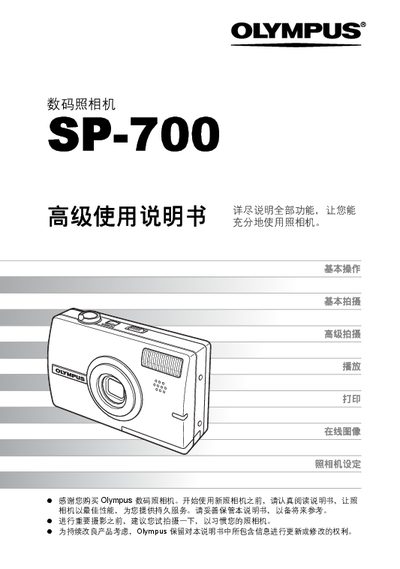
This manual explains how to operate the Olympus SP-700 digital camera, covering basic functions such as shooting, playback, and printing, as well as advanced features like scene modes, image stabilization, and custom button settings. It also includes guidance for connecting the camera to a computer using Olympus Master software.
The document is organized into sections on basic operation, basic shooting, advanced shooting, playback, printing, online image handling, camera settings, troubleshooting, and an appendix with additional information. This manual is written in Chinese.
Use Olympus Master software to install, start, and download images from the camera.
Use the direct printing function via PictBridge.
Select the option to reset settings to preset defaults.