
This manual introduces the basic use of the OLYMPUS C-765 Ultra Zoom digital camera, including preparations, shooting, playback, and printing.
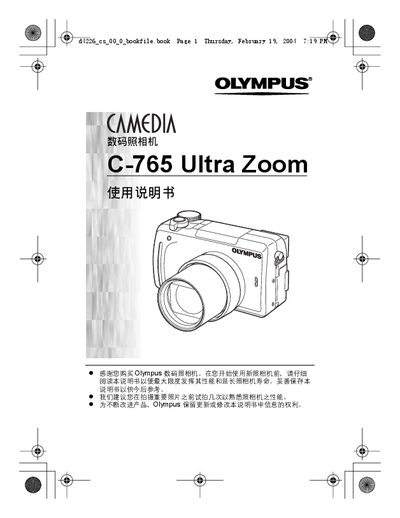
This manual guides users through preparing the camera, inserting batteries and memory cards, and configuring basic settings such as language, date, and time. It also explains how to use the menu system, select shooting modes, and adjust exposure and image quality.
Additional sections cover flash usage, advanced shooting features, playback, printing via DPOF and PictBridge, and useful functions like custom buttons and reset options. A fault diagnosis chapter helps resolve common issues. This manual is written in Chinese.
| Model | C-765 Ultra Zoom |
|---|
Insert and remove the battery and memory card according to the instructions in the preparation section.
Use the PictBridge function to connect the camera to a printer and print images directly.