
This is a user manual for Olympus SP-310 and SP-350 digital cameras. It provides detailed instructions on how to use the cameras' features.
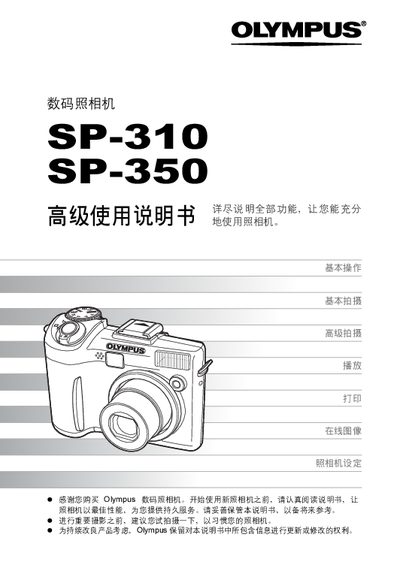
This manual covers all aspects of using the Olympus SP-310 and SP-350 digital cameras, from basic operation and shooting modes to advanced features such as manual focus, ISO adjustment, and white‑balance control. It also explains how to view, edit, and organize images, as well as how to print directly from the camera or via a computer.
Additional sections describe camera settings, power‑on/off procedures, safety warnings, accessory information, and troubleshooting tips. Detailed instructions for connecting the camera to a PC using Olympus Master and for using PictBridge direct printing are included. This manual is written in Chinese.
Connect the camera to a PC with a USB cable and use the Olympus Master software to transfer and view images.
Use the direct printing (PictBridge) function to print photos without a computer.