
This document is the user manual for Lenovo Zhaoyang notebook computer, providing hardware and software information. It introduces the features and functions of this notebook computer.
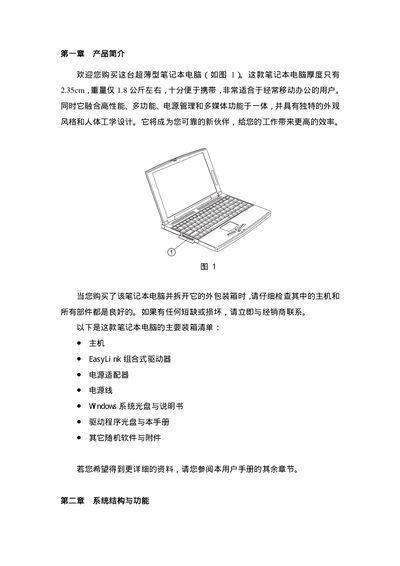
This manual introduces the ultra‑thin Lenovo notebook, describing its hardware layout, external power requirements, LCD screen specifications, keyboard functions, touchpad operation, and built‑in lithium‑ion battery usage. Detailed instructions cover connecting the AC adapter, turning the device on, and using function keys for common tasks such as adjusting brightness and volume.
Additional sections provide guidance on expanding memory and hard‑disk capacity, using the EasyLink combo drive, managing the Sleep Manager utility, and important safety and maintenance recommendations to keep the laptop reliable and protected. This manual is written in Chinese.
| Display size | 12.1 inch TFT LCD |
|---|---|
| Maximum resolution | 800 x 600 |
| Color depth | 16M colors (24‑bit true color) |
| Maximum memory | 256 MB SDRAM |
| AC input voltage | 110 V or 220 V |