
This is a Lenovo Digital Listening user manual, which introduces the functions, diagrams, button functions, power on/off, music playback, recording, playback of recordings, volume adjustment, FM radio and other functions
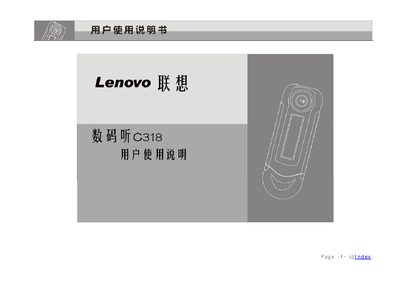
This manual provides step‑by‑step instructions for using the Lenovo C318 digital audio player, including power on/off, playback, recording, FM radio, and menu navigation. It also covers safety precautions, battery handling, and accessory information.
Additional sections explain software installation, USB connection, firmware upgrade, and common troubleshooting tips, along with detailed hardware specifications such as battery life, storage capacity, and audio performance. This manual is written in Chinese.
| Battery type | AAA (7号) alkaline |
|---|---|
| Battery life | up to 20 hours |
| Internal storage | 128 MB / 256 MB / 512 MB NAND flash |
| USB interface | Standard Type‑A USB 2.0 (full speed) |
| LCD display | 128 × 32 dot matrix LCD, blue backlight |
| Maximum audio output power | 5 mW per channel |
| Signal‑to‑noise ratio | > 90 dB |
| Supported audio formats | WMA and MP3 |
The C318 uses a single AAA (7号) alkaline battery.
A fresh battery provides up to 20 hours of playback time.
Connect the device to a PC, then run Lenovo C318 → Firmware Update from the Start menu.
The player can decode Windows Media Audio (WMA) and MPEG Audio Layer‑3 (MP3) files.