
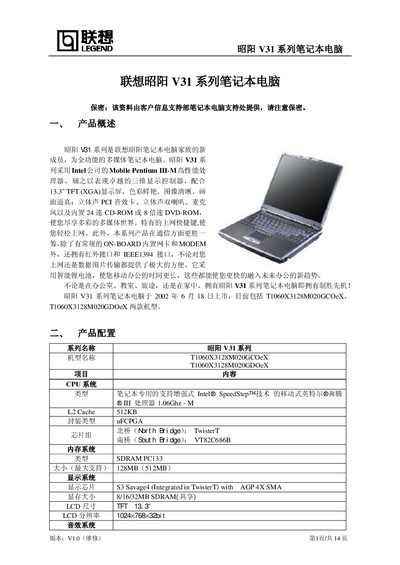
The Lenovo V31 series is a full‑function multimedia laptop featuring an Intel Mobile Pentium III processor, a 13.3" TFT XGA display, and various connectivity options such as Ethernet, modem, IEEE‑1394, and infrared. It includes a high‑capacity 4000 mAh lithium battery for extended mobile use.
The manual provides detailed hardware specifications, descriptions of the laptop’s front, back, side, and bottom components, BIOS configuration instructions, and step‑by‑step driver installation procedures for LAN, audio, smart‑card, touch‑pad, and other devices. This manual is written in Chinese.
| Memory | Up to 128 MB (max 512 MB) |
|---|---|
| Display | 13.3" TFT, 1024×768, 32‑bit color |
| Hard Drive | 20 GB |
| USB Ports | 3 |
| Battery | 6‑cell 4000 mAh lithium |
| Weight | 2.2 kg (including battery) |
| Operating System | Windows XP Home (Simplified Chinese) |
The laptop provides three USB ports.
It is equipped with a 6‑cell 4000 mAh lithium battery.
The display is a 13.3‑inch TFT screen with a resolution of 1024×768.