
This document is a user manual for Lenovo products, which includes installation and usage instructions, as well as an introduction to the product's features and accessories.
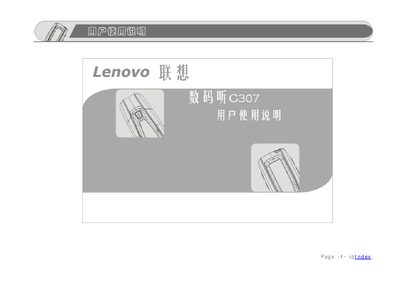
This manual provides step-by-step instructions for using the Lenovo C307 digital audio player, including how to play music, record audio, adjust volume, and use the USB connection. It also covers safety precautions, battery care, and troubleshooting tips. The device supports WMA and MP3 formats, LRC lyrics synchronization, and firmware upgrades. This manual is written in Chinese.
| Battery Type | AAA alkaline battery (7号) |
|---|---|
| Supported Audio Formats | WMA & MP3 |
| USB Port | Built-in Type A USB port |
| LRC Lyrics Sync | Supported |
| Directory Support | Up to 8 layers |
| Firmware Upgrade | Supported |
Short press the play/pause button to turn on the device. The startup screen will appear after 2 seconds.
Press the menu button to enter the main menu, then select 'Play Music' using the fast forward/rewind buttons.
Use the volume up/down buttons to adjust the volume level.
Use the utility software to format the memory, or use the device's built-in formatting option.