
This document is about the operation instructions of a music player's function keys, including functions such as play, pause, fast forward, rewind, and volume adjustment.
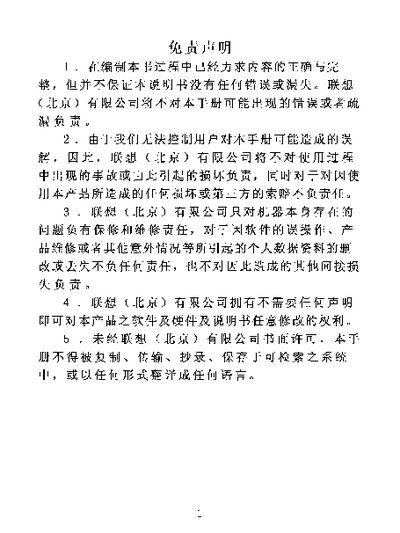
The document begins with a disclaimer and safety statements, outlining the manufacturer's liability and warranty limits. It emphasizes proper handling, avoiding liquids, extreme temperatures, magnetic fields, and impacts to prevent damage.
Later sections describe the device's LCD display, basic controls such as the RESET key, and various operating modes like play, pause, forward, and rewind. Attachments and accessories are also listed. This manual is written in Chinese.
| Display type | LCD |
|---|
Do not use the device in high temperature, near liquids, magnetic fields, or drop it, as these conditions can cause damage.
Press the RESET key to reset the device.