
This document is the user manual for Lenovo mobile hard disk with fingerprint security, which introduces the installation, system requirements, features, and usage instructions of the product.
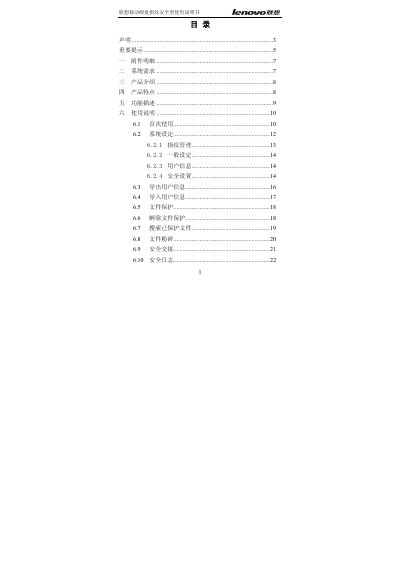
This manual explains how to install and use the Lenovo fingerprint security mobile hard disk, covering system requirements, safety notices, and detailed feature descriptions. It includes step‑by‑step guidance for first‑time setup, fingerprint management, file protection, and data backup.
Technical specifications such as capacity options, USB interface, power requirements, and fingerprint sensor details are listed, along with regulatory information and a list of included accessories. This manual is written in Chinese.
| Color | Black |
|---|---|
| Dimensions (mm) | 140×80×14 |
| Net Weight | ≈180 g |
| Hard Disk Capacity | 80 GB / 120 GB / 160 GB |
| Interface | USB 2.0 / USB 1.1 |
| Rated Voltage | 5 V |
| Rated Current | < 700 mA |
| Fingerprint Chip Type | Semiconductor inductive chip |
| Fingerprint Resolution | 500 ppi |
| Capture Speed | 160 frames/sec |
Close the fingerprint management software, right‑click the tray icon, follow the prompts to stop using the disk, then safely eject it.
The device works plug‑and‑play on Windows 2000 SP4, Windows XP SP2, and Windows Vista; earlier versions are not supported.
Yes, it is driver‑free and works as a plug‑and‑play device on supported Windows versions.