
This is a user manual for a Lenovo laptop.
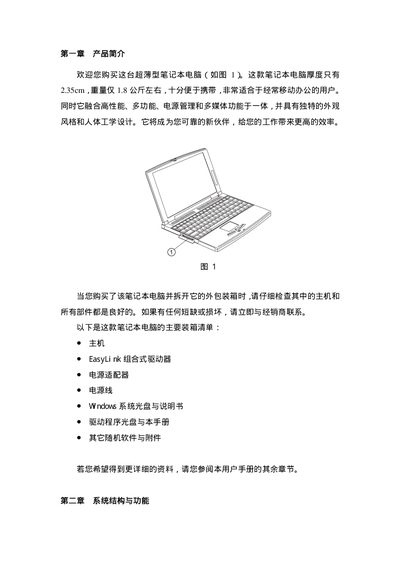
This manual introduces the main components of the Lenovo ultra‑thin laptop, including power options, display, keyboard, touchpad, battery, memory, storage, and the EasyLink combo drive. It provides step‑by‑step instructions for initial setup, daily use, and basic troubleshooting.
Safety and maintenance recommendations are also included, such as proper handling of the battery, cleaning procedures, and environmental limits for reliable operation. This manual is written in Chinese.
| Display size | 12.1 inches |
|---|---|
| Maximum resolution | 800 x 600 |
| Color depth | 16M colors (24‑bit true color) |
| Battery type | Lithium‑ion |
| Maximum memory | 256 MB SDRAM |
| Hard drive form factor | 2.5‑inch EIDE |
Place the laptop on a flat surface, connect the external AC adapter, then press the power switch on the right side of the computer.
The laptop can be upgraded up to 256 MB of SDRAM.