
T350 is a multimedia card launched by Lenovo. It supports MPEG-1, MPEG-4, MPEG-4 SP formats, supports USB interface connection, and supports DV format video recording.
The manual introduces the Lenovo T350 series camera, describing its imaging capabilities, supported resolutions (up to 640×480), and file formats such as BMP and JPG. It also outlines the sensor type (MD5 image sensor) and basic features like auto white balance.
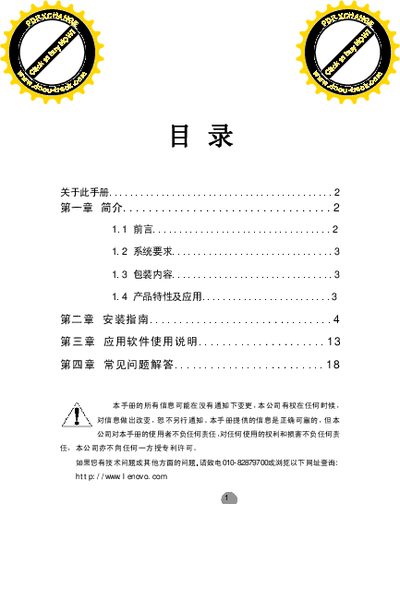
The guide details system requirements, installation procedures for Windows 98 SE, Windows 2000, and Windows XP, and provides step‑by‑step instructions for connecting the camera via its USB interface. A FAQ section addresses common playback and driver issues.
| CPU requirement | 733 MHz or above |
|---|---|
| Memory requirement | 128 MB RAM or more |
| Supported operating systems | Windows 98 SE, Windows 2000, Windows XP |
| Image sensor | MD5 sensor |
| Maximum resolution | 640 × 480 |
| Frame rates | 5‑15 fps at 640×480, 30 fps at 352×288 |
| Supported image formats | BMP, JPG |
Playback stops when the signal is lost; the camera will automatically resume once the signal returns.
Press the reset button and wait a few seconds; the camera will return to normal operation.
The required Lenovo L350 USB driver is missing; install the correct driver to enable capture mode.