
This document is a user guide for Canon digital cameras, providing basic knowledge, functions, and usage methods. It also includes information about the accessories and software that come with the camera.
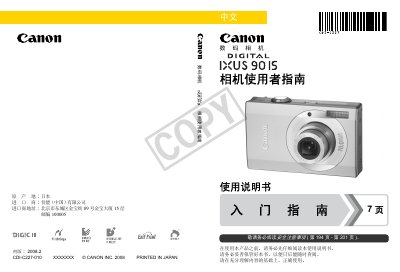
This manual provides step-by-step instructions for operating the Canon IXUS 901S digital camera, including setup, shooting modes, playback, and troubleshooting. It also covers advanced features like face detection, manual focus, and connectivity options. The guide is written in Japanese with some English sections and includes diagrams and tables for reference.
| Storage Media | SD, SDHC, MultiMediaCard, MMCplus, HC MMCplus |
|---|---|
| Camera Model | IXUS 901S |
| Language | Japanese |
The camera supports SD, SDHC, MultiMediaCard, MMCplus, and HC MMCplus.
You can connect the camera to a computer using the supplied USB cable or via a card reader.