
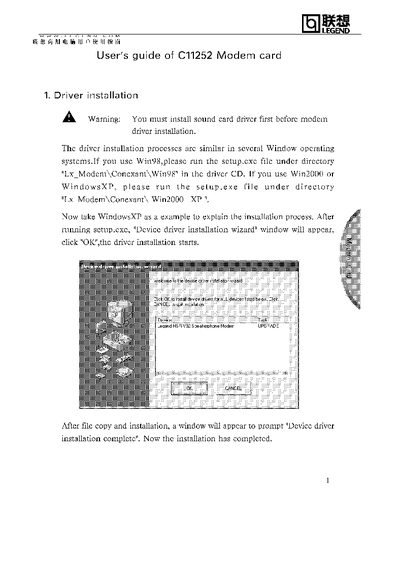
The manual explains how to install the C11252 modem driver on various Windows platforms, including Windows 98, Windows 2000, and Windows XP. It guides the user through running the appropriate setup.exe file and completing the driver installation wizard.
It also details the procedure for removing an existing modem driver before upgrading, using the Windows Add or Remove Programs feature to uninstall the SoftK56 Data Fax Voice Speakerphone CARP package.
Run the setup.exe file located in the "Lx Modem\Conexant\Win2000_XP" directory and follow the Device driver installation wizard.
Open Add or Remove Programs in the Control Panel, select "SoftK56 Data Fax Voice Speakerphone CARP", and click "Change/Remove".