
The infrared transmission module is built into the front panel of Legend commercial computers and uses the IrDA interface to exchange data between a PC and IrDA devices. The guide explains how the module works and the basic requirements for successful communication.
Instructions are provided for enabling the IrDA function in Windows 98SE, Windows 2000, and Windows XP, including how to activate the infrared icon on the taskbar. The document also lists common problems, such as distance and angle limits, BIOS settings, and unsupported operating systems, and offers troubleshooting steps.
| Maximum transmitting distance | 50 cm |
|---|---|
| Maximum receiving angle | 15° |
| COM2 port usage | Forbidden when IrDA enabled |
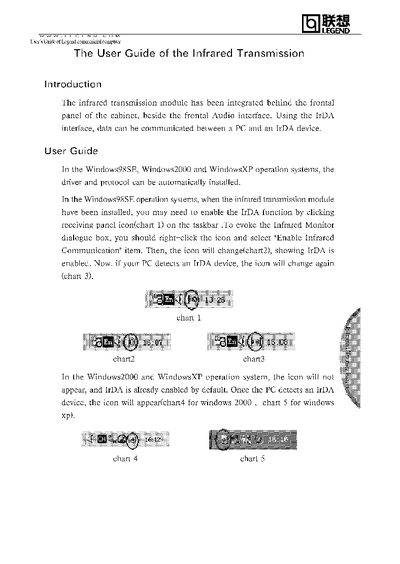
Click the IrDA icon on the taskbar, right‑click it and select "Enable Infrared Communication"; the icon will change to show IrDA is enabled.