
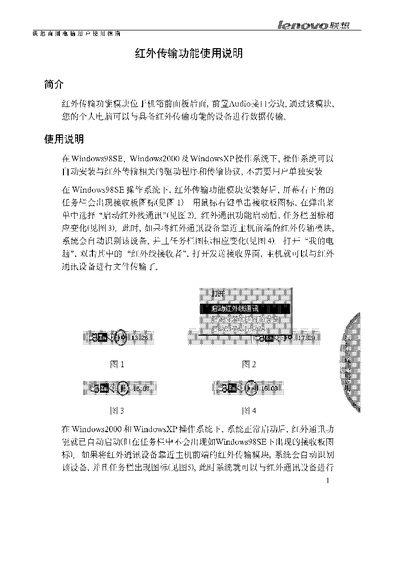
The document provides step‑by‑step instructions for installing the infrared transfer driver on Windows 98SE, Windows 2000 and Windows XP. It describes how the system automatically installs the necessary software and how to access the infrared function from the control panel.
Precautions include keeping the infrared transmitter within 50 cm of the receiver, maintaining a minimum angle of 15°, avoiding obstacles, and ensuring the BIOS settings for the serial port are correct. DOS and Windows NT are not supported, and the function may not appear on Windows 98SE if the installation panel is not displayed. This manual is written in Chinese.
| Maximum infrared transmission distance | 50 cm |
|---|---|
| Maximum transmission angle | 15° |
The infrared transfer function works on Windows 98SE, Windows 2000 and Windows XP.