
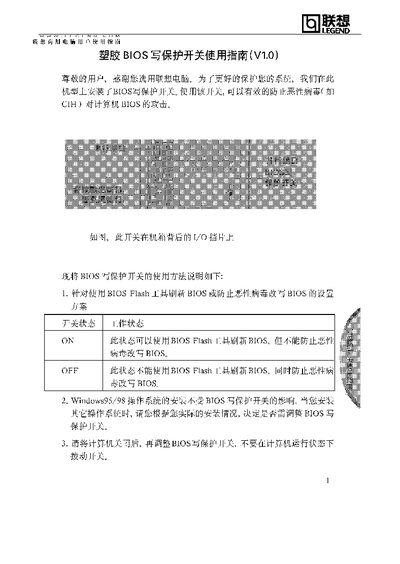
The guide describes the function of the BIOS write‑protect switch installed on certain Lenovo business computers. It explains the two switch positions and how they affect BIOS flashing and virus protection.
It also provides instructions for installing operating systems, adding or removing internal cards, and connecting external devices while the switch is in the appropriate position, emphasizing that the computer must be powered off before adjusting the switch. This manual is written in Chinese.
| ON position function | Allows BIOS flashing, does not prevent virus modification |
|---|---|
| OFF position function | Prevents BIOS flashing and protects against virus modification |
Yes, you should set the switch to ON while installing or adjusting internal cards or external devices, then return it to OFF after the system runs normally.
Yes, the manual advises turning off the computer before adjusting the BIOS write‑protect switch.