
This manual describes the features and functions of LW-410 Network Print Server, installation methods, usage methods and troubleshooting methods.
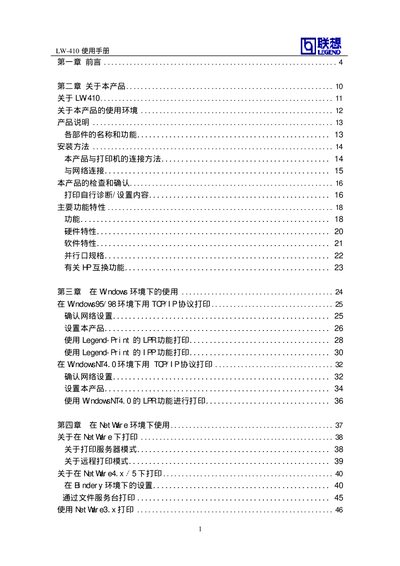
The Lenovo LW-410 is a 10BASE-T print server that enables shared printing over TCP/IP, IPX/SPX, and NetWare protocols. It includes Legend-Fint software for Windows to treat network printers as local devices and provides web-based management via a browser.
The manual details safety precautions, hardware installation, protocol-specific setup for Windows 95/98/NT, NetWare 3.x/4.x/5, and UNIX systems (Solaris, HP-UX, AIX, BSD), as well as configuration using the PrintServer User Software and troubleshooting common connectivity and printing issues. This manual is written in Japanese.
| Interface | 10BASE-T Ethernet |
|---|---|
| Port Names | lp, text |
Verify the network cable connection is correct and enable 'Use TCP/IP' in AdminManager's search options, then search again.
The valid port names are 'lp' and 'text'; all other port names are invalid.