
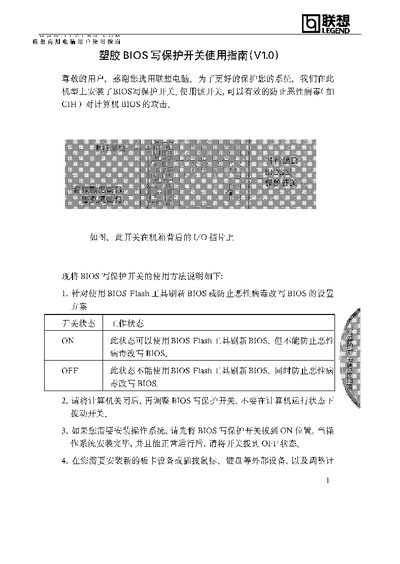
The BIOS write‑protect switch is located on the rear panel of the computer chassis. Setting the switch to ON allows BIOS flashing with a BIOS Flash tool but does not protect against malicious virus modifications. Setting it to OFF blocks BIOS flashing, providing protection against virus‑induced BIOS changes.
For OS installation or hardware changes, set the switch to ON before proceeding, then return it to OFF after the system is running normally. The guide also advises keeping the switch in the OFF position during regular use to maintain BIOS protection. This manual is written in Chinese.
| ON position function | Allows BIOS flash but does not prevent virus modification |
|---|---|
| OFF position function | Prevents BIOS flash and protects against virus modification |
In the ON position you can use a BIOS Flash tool to update the BIOS, but the switch does not block malicious virus changes.
Set the switch to OFF during normal operation to prevent virus‑induced BIOS changes; also set it to OFF after installing the OS or hardware.
Yes, you must shut down the computer before adjusting the BIOS write‑protect switch.