
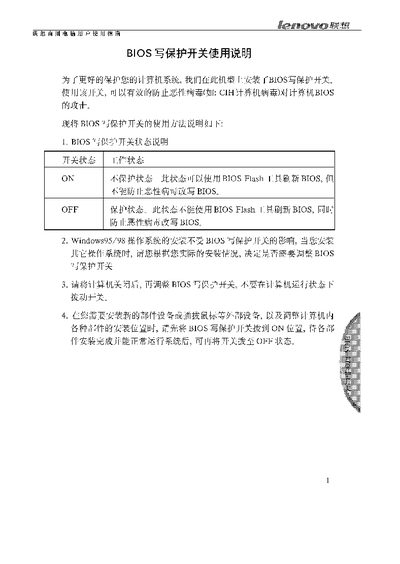
The BIOS write‑protect switch has two positions. In the ON position the BIOS is not protected, allowing BIOS flash tools to update the firmware. In the OFF position the BIOS is protected, preventing any flash operation and blocking malicious virus modifications.
The switch does not affect the installation of Windows 95/98. For other operating systems you may need to change the switch setting according to the installation requirements. Always power off the computer before adjusting the switch, and set it to ON when installing new hardware or moving internal components, then return it to OFF after the system is running normally. This manual is written in Chinese.
| ON position | Non‑protective; BIOS flash allowed |
|---|---|
| OFF position | Protective; BIOS flash blocked |
In the ON position the switch does not protect the BIOS, so BIOS flash tools can be used to update the firmware.
No, installing Windows 95/98 is not affected by the BIOS write‑protect switch.
Set the switch to ON before installing new components or moving internal parts, then return it to OFF after the system runs normally.