
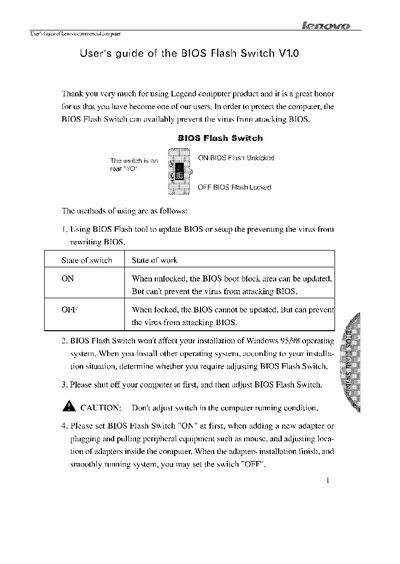
The guide introduces the BIOS Flash Switch, a hardware feature that can lock or unlock the BIOS boot block area. When the switch is set to ON, the BIOS can be updated but virus protection is not active; when set to OFF, the BIOS is locked against updates, providing protection against malicious code.
The manual also gives safety and installation instructions, such as shutting down the computer before adjusting the switch and avoiding adjustments while the system is running. It notes that the switch does not affect Windows 95/98 installations and provides guidance for adding or removing peripherals.
| ON State Function | BIOS boot block area can be updated |
|---|---|
| OFF State Function | BIOS cannot be updated, virus protection enabled |
| Effect on Windows 95/98 | No impact on installation |
When set to ON, the BIOS boot block area can be updated, but the switch does not prevent viruses.
No, the manual cautions not to adjust the switch while the computer is on.
The computer must be shut off before adjusting the switch.