
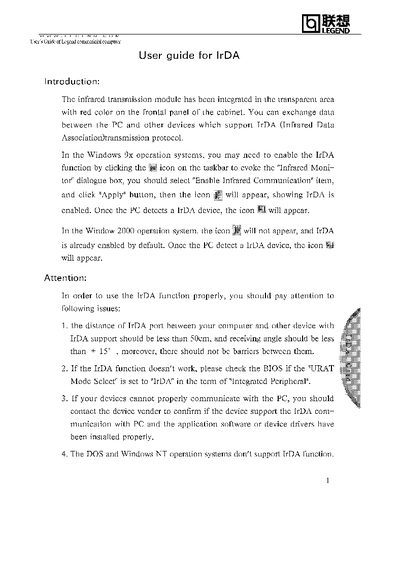
The IrDA (Infrared Data Association) module is built into the red‑colored transparent area on the front panel of Legend commercial computers, allowing data exchange with other IrDA‑compatible devices.
To enable IrDA on Windows 9x, click the infrared icon on the taskbar, select "Enable Infrared Communication" and apply the setting. In Windows 2000 the function is enabled by default. The guide also lists distance and angle limits, BIOS configuration, and unsupported operating systems.
| Maximum receiving angle | less than +15° |
|---|---|
| BIOS setting for IrDA | "URAT Mode Select" set to "IrDA" |
DOS and Windows NT do not support the IrDA function.