
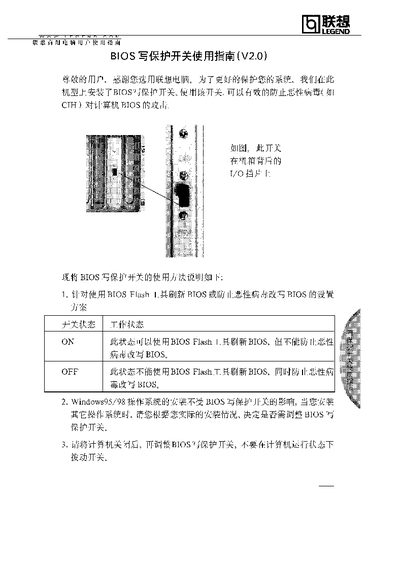
The document provides a usage guide for the BIOS write‑protect switch installed on Lenovo computers. It describes the two switch positions (ON and OFF) and how each affects BIOS flashing and virus protection.
It also covers practical instructions such as installing operating systems, using BIOS flash tools, and handling hardware changes. Users are advised to power off the computer before toggling the switch and to set the switch to ON when installing new cards, then return it to OFF once the system runs normally. This manual is written in Chinese.
| ON position | Allows BIOS flash tool to update BIOS; does not prevent virus modification |
|---|---|
| OFF position | Prevents BIOS flash tool from updating BIOS; blocks virus modification |
In the ON position the BIOS flash tool can be used to refresh the BIOS, but the switch does not stop malicious viruses from modifying the BIOS.
No, installing Windows (or other operating systems) is not affected by the switch.
Set the switch to ON before installing new cards or adjusting internal hardware, then return it to OFF after the system runs normally.